
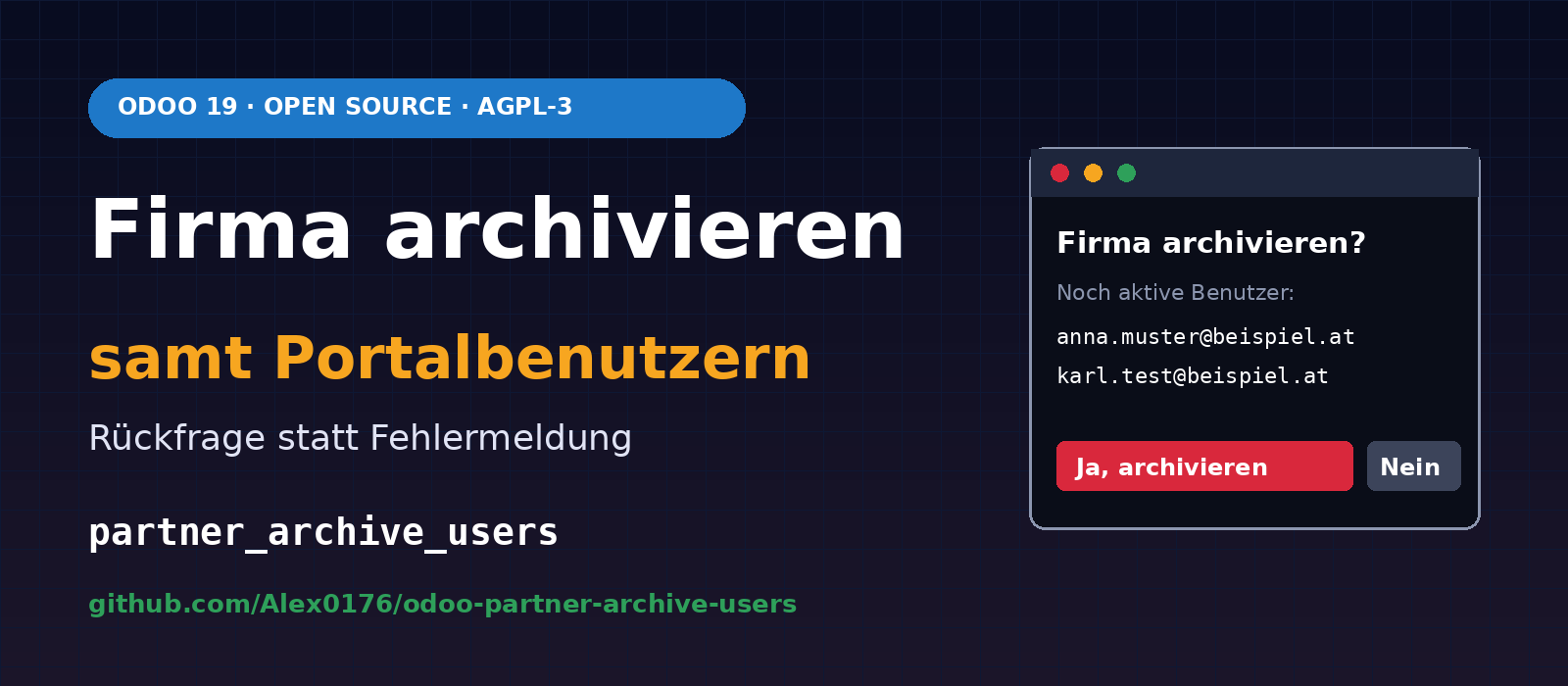
A customer company has left, the contract has ended, and you want to archive it in Odoo. Odoo responds with an error message: “You cannot archive contacts linked to an active user. Archive the associated user first.” If the company has several portal accounts, this means finding each user individually, archiving them one by one, returning to the company and trying to archive it again.
We developed the small Firma archivieren samt Portalbenutzern module (partner_archive_users) for Odoo 19 to address this. Instead of an error message, a confirmation prompt appears. Selecting “Yes” archives the portal users and the company in one step. The module is available on GitHub as free software under the AGPL-3 licence:
github.com/Alex0176/odoo-partner-archive-users
We have been using the module in our production system at Biricon IT Services since 3 November 2026. It is new, so our experience with it is still limited. Anyone adopting it should read the sections on scope and limitations .
The problem in standard Odoo
When archiving a contact, Odoo checks whether a user is linked to it and stops if one is found. This check makes sense, as every user needs a contact. For internal users, meaning employees, the restriction is intentional. For customers’ portal users, however, it mainly creates manual work. Archiving any customer company with portal accounts, for example to view invoices and tickets, requires the same steps:
- find the users linked to the company and its contact people,
- archive each one individually,
- return to the company,
- archive the company.
The solution: a confirmation prompt
The module extends Action → Archive on contacts, in both form and list views. If active portal users are linked to the selected company or its contact people, a dialogue opens asking “Are you sure you want to archive the company? There are still active users in the system.” The affected users are listed below with their name, login and contact.
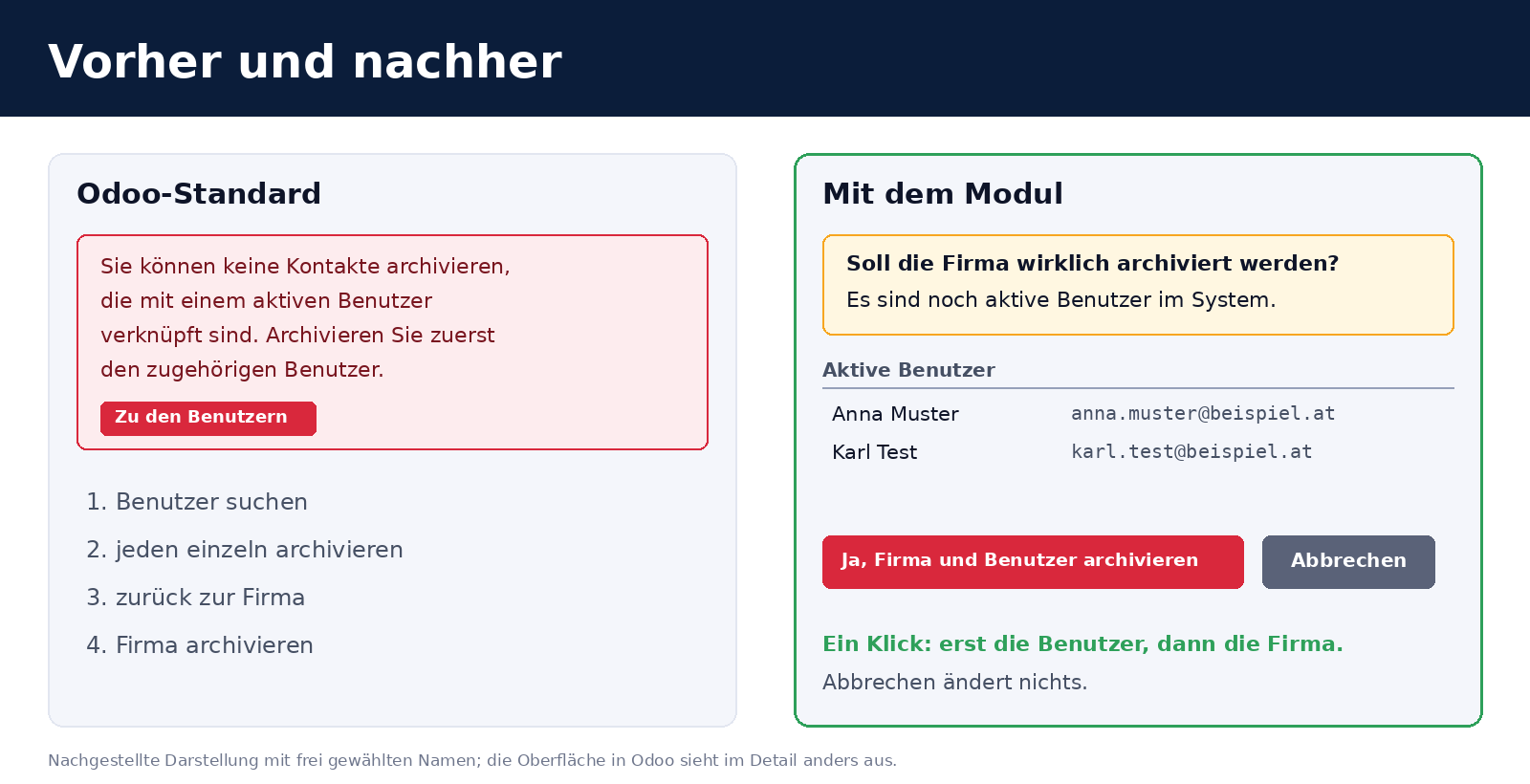
- Yes, archive company and users: The users are archived first, followed by the company.
- Cancel: Nothing changes.
- No portal users present: Odoo behaves as before, and no dialogue appears.
What gets archived and what does not
The scope is deliberately narrow:
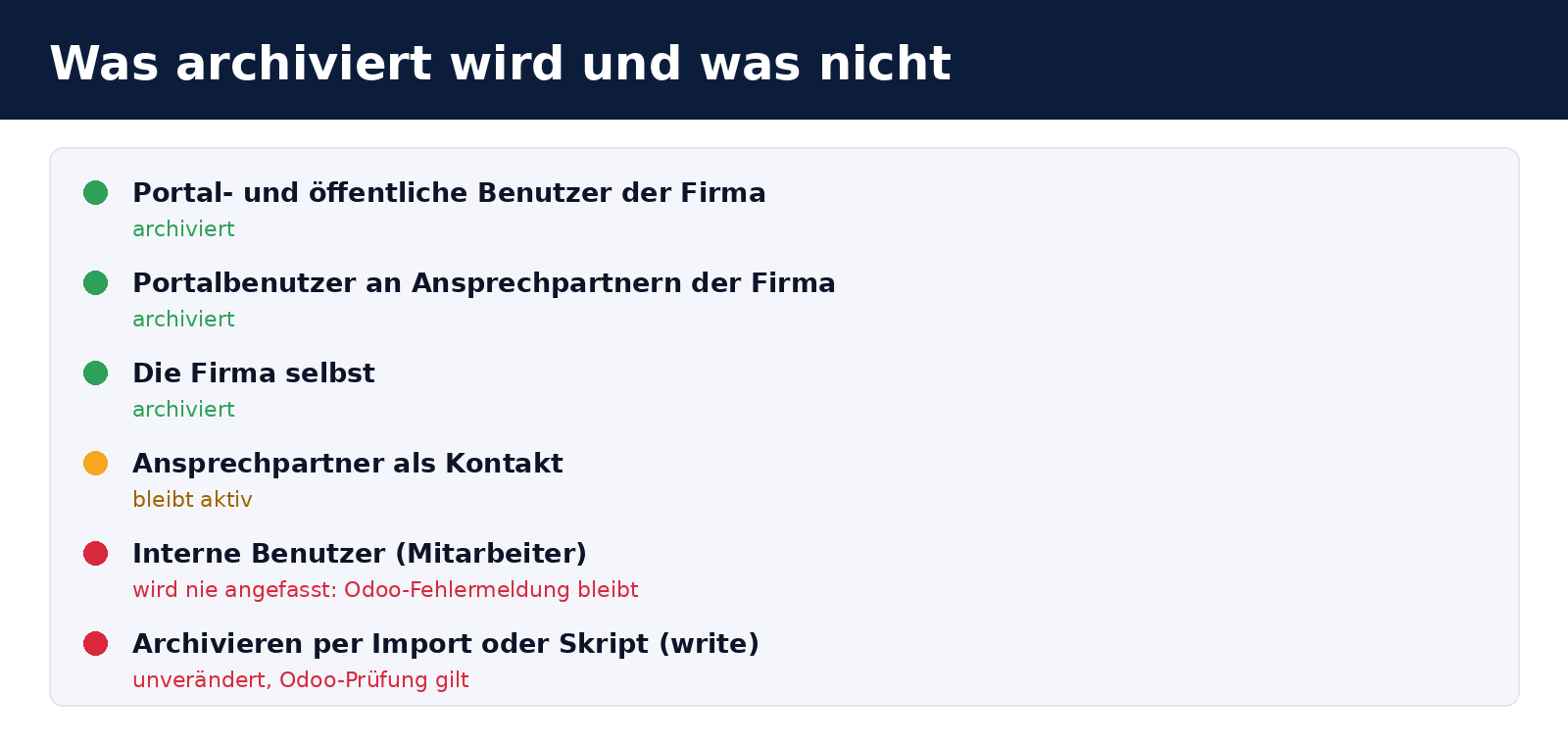
- Portal and public users only (
share = True). Internal users are never archived through this process. If an employee account is linked to the contact, Odoo’s error message still appears. This prevents anyone from accidentally blocking an employee’s access by archiving a company. - Contact people remain active as contacts. Only their portal accounts are archived. This matches standard Odoo behaviour, which also leaves child contacts untouched when a company is archived.
- Only archiving through the user interface. A direct
write({'active': False}), for example in an import or script, still triggers Odoo’s standard check.
Technical implementation
The module adds no new fields to existing models. It consists of an extension to res.partner.action_archive and a wizard (partner.archive.users.wizard) displayed as a dialogue.
| Component | Purpose |
|---|---|
action_archive on the contact | Finds active users with share = True linked to the contact or, for companies, to the company’s contacts. If any are found, it returns the dialogue instead of archiving. |
| Wizard | Stores the company and the users found, displays them and, when “Yes” is selected, performs the archiving with the context key archive_linked_users. |
Context skip_archive_users_wizard | Disables the dialogue. Odoo’s standard check then applies again. |
| Access | Internal users (base.group_user) can create and use the wizard. |
| Translation | A German translation (de.po) and template (.pot) are included. |
Users are searched for and archived with elevated privileges (sudo). This allows the dialogue to work even for users without access to user management. The downside is described under limitations.
A discovery: the test passed, but the dialogue was still broken
When first used, the module had a bug that the automated tests had not caught. The first click on “Archive” in the interface brought up the Odoo error screen instead of the dialogue, with Cannot read properties of undefined (reading 'map').
The cause: the web client calls action_archive directly and executes any returned action without further processing. In doing so, it requires the action's views key. Our action only had view_mode. The server adds the missing information to actions returned by buttons with type="object" beforehand (clean_action in call_button), but does not do this for direct calls to action_archive. The tests only called the method in Python, where the missing field went unnoticed.
The fix is one line ("views": [(False, "form")]), plus a check in the test that demands exactly this key. Nothing was archived in the process. The lesson: if you return an action from a method that the client calls directly (action_archive, action_unarchive and similar), you should always include views.
Installation
git clone https://github.com/Alex0176/odoo-partner-archive-users.git
ln -s /pfad/odoo-partner-archive-users/partner_archive_users /pfad/addons/
odoo-bin -c odoo.conf -d <datenbank> -i partner_archive_users --stop-after-init
The dependencies are base and contacts. After installation, the Odoo service must be restarted because the module contains Python code. If you run a production system, install the module on a copy of the database first.
limitations
- Permissions. Because users are archived with elevated privileges, anyone with permission to archive a contact can also use the dialogue to archive that company's portal accounts. This does not apply to internal users. If you need more granular control over portal accounts, you will need to adapt the module.
- No automatic restoration. If the company is reactivated later, the users remain archived. They must be reactivated manually.
- Contacts only. The module applies to companies stored as contacts (
res.partner). Archiving an Odoo company (res.company) involves different checks, for example if it is still a user's default company. The module is not intended for this. - Tested only on Odoo 19.0 Community. We have not tested it on other versions.
Frequently asked questions
Why aren't employees archived as well?
An internal user has access rights within the system and is usually linked to their own data, tasks and permissions. We consider it too risky to block their access as a side effect of archiving a company. In this case, Odoo's error message still applies.
Can I disable the confirmation prompt?
In code, using the skip_archive_users_wizard context key. There is no setting in the interface. Uninstalling the module restores Odoo's default behaviour.
What licence is it released under?
AGPL-3. Bug reports and suggestions for improvements submitted as issues in the GitHub repository are welcome.
Support from Biricon IT Services
We support Odoo installations for small and medium-sized businesses, from implementation, customisation and migration to day-to-day operation. If you would like to simplify processes such as archiving customer companies in Odoo, set up a customer portal or safely install a module in your production instance, we are happy to help. More of our custom modules: Document numbers combining a prefix, year and counter, Company register and address validation for Austrian customers and Product bundles as a section in quotations.
As of 3 November 2026. Module version 19.0.1.0.0 with the fix from the same day. All names and usernames in the screenshots are fictitious.